Run your own AI agent, locally
A hands-on IronClaw workshop I ran with my local Davao DeFi community: what an AI agent really is, why boundaries matter more than model IQ, and how to run one on your own laptop with the Wi-Fi off.
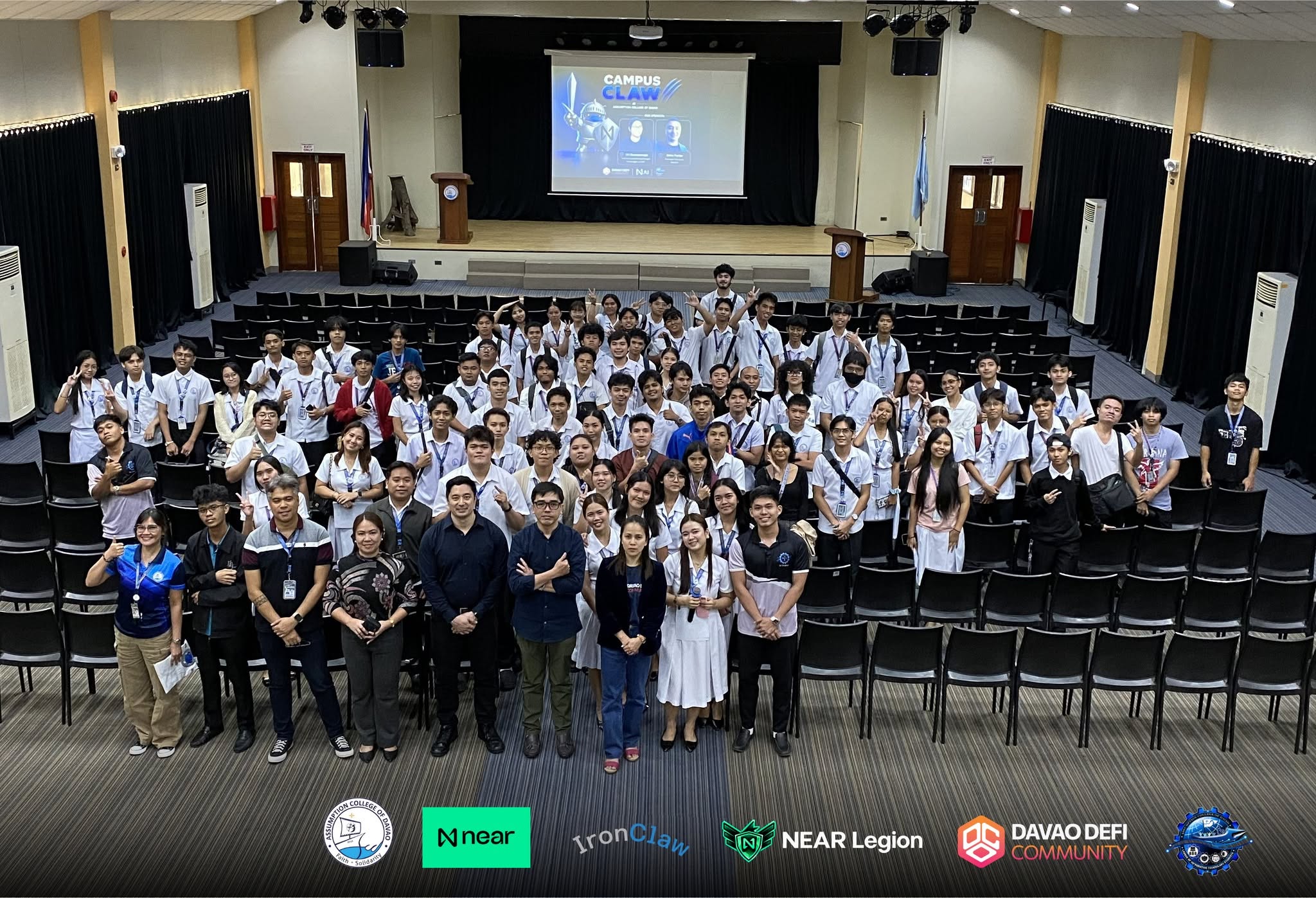
▶ 30-second recap of the day
The slides
The one idea
Most people meet AI as a chatbot: you ask, it answers, you go do the work. An agent flips that. You give it a goal, and it plans, calls tools, and reports back. It can act.
The moment software can act, the game changes. A wrong chatbot wastes your time. A wrong agent does something: it sends the email, spends the money, deletes the file. So the real question is not which model is smartest. It is what this thing is allowed to touch, who holds the keys, and what happens when it is wrong. Those are infrastructure questions.
What IronClaw is
IronClaw is an open-source Agent OS built by NEAR AI. Written in Rust, ships as one binary, runs on your own machine. Local-first and privacy-first: you can run the model locally through Ollama with no API key, and your secrets never have to touch a cloud model.
An agent in IronClaw is three things: a loop that thinks, acts, observes and repeats; tools, which are what it is allowed to call; and memory, which survives after the chat closes. The key idea: tools are permissions, not features. A tool declares what it can reach, network calls hit an allowlist only, and credentials are injected at the boundary so the tool code never sees the key. If you have granted an app access to your camera, you already understand the model.
What you can build
Everything runs free on a normal laptop. The only real floor is RAM: reliable tool calling wants roughly 24 GB. If your laptop cannot manage that, use a cheap hosted model for the thinking and keep the agent, memory and tool sandbox on your own machine. That is still the whole point.
- A morning briefing that runs before you wake up
- A campus Telegram bot with your handbook in its memory
- Automated code review on every pull request
Run it yourself, start to finish
Everything below was run on a MacBook before it was written down, on IronClaw v1.4.0 with Ollama. No account, no API key, no credit card. Install the binary:
curl --proto '=https' --tlsv1.2 -LsSf \
  https://github.com/nearai/ironclaw/releases/latest/download/ironclaw-installer.sh | sh

ironclaw --version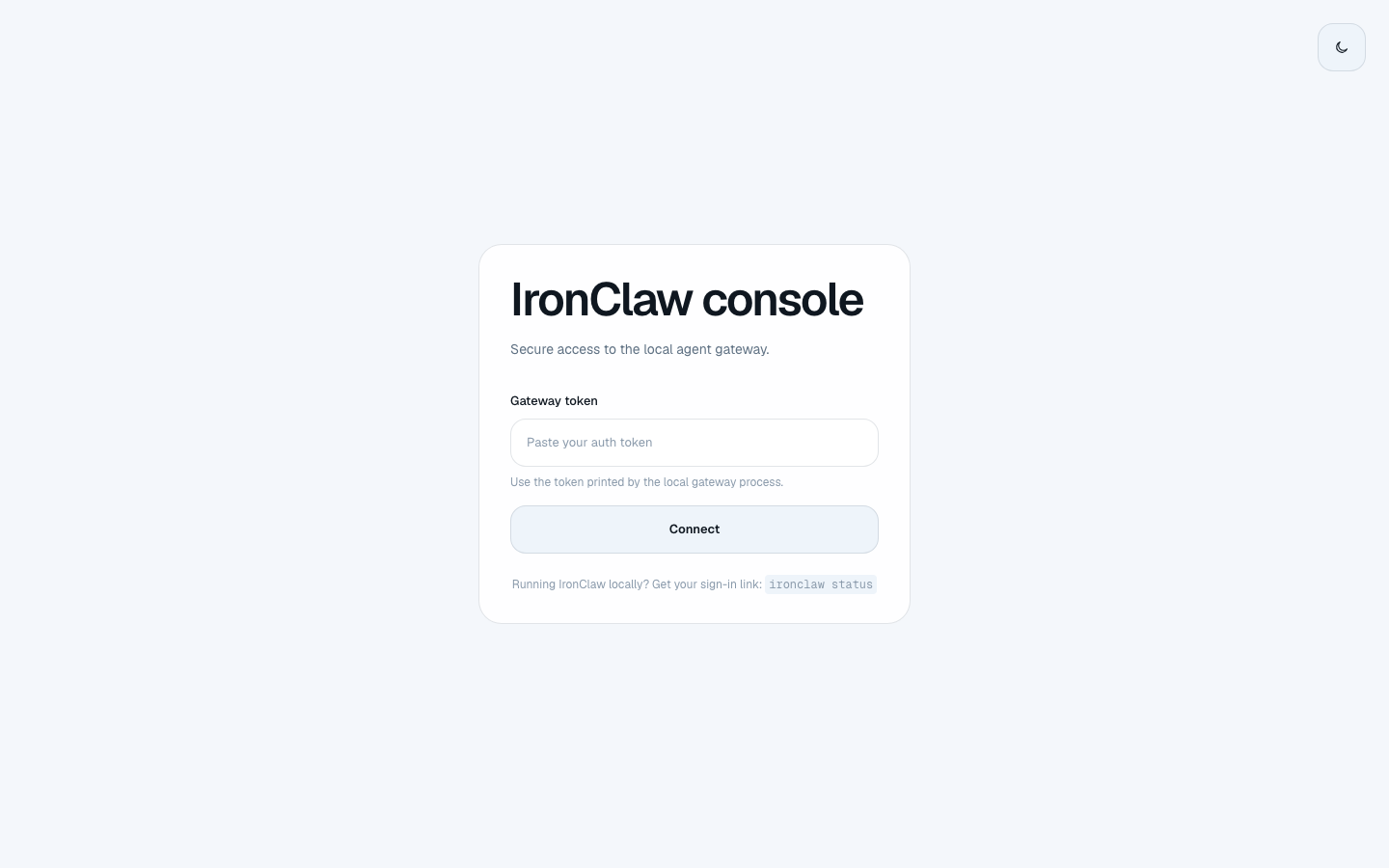
First screen. It asks for the gateway token that ironclaw status prints, because the console is yours alone.
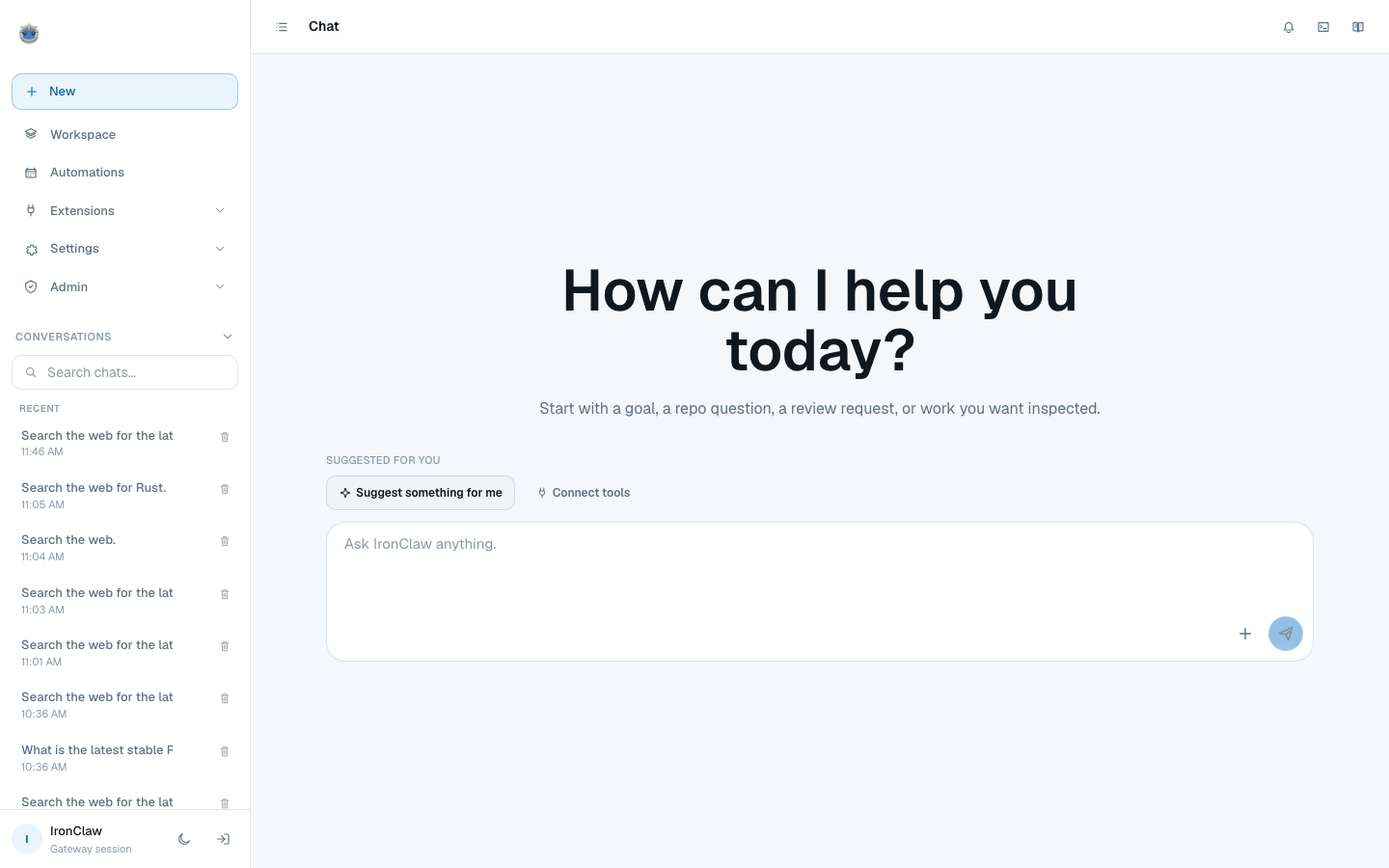
Once you are in: New, Workspace, Automations, Extensions, Settings. Running entirely on 127.0.0.1.
Give it a brain, then a tool
Install Ollama from ollama.com, pull a model, and point IronClaw at it. Keep the model loaded so the first reply is not a cold start. Then add web access, which needs no credentials at all.
ollama pull qwen3.6:35b-a3b
ollama run qwen3.6:35b-a3b "hi" --keepalive 8h

ironclaw onboard
ironclaw models set-provider ollama --model qwen3.6:35b-a3b
ironclaw service restart

ironclaw extension install web-access
ironclaw status                 # prints your login link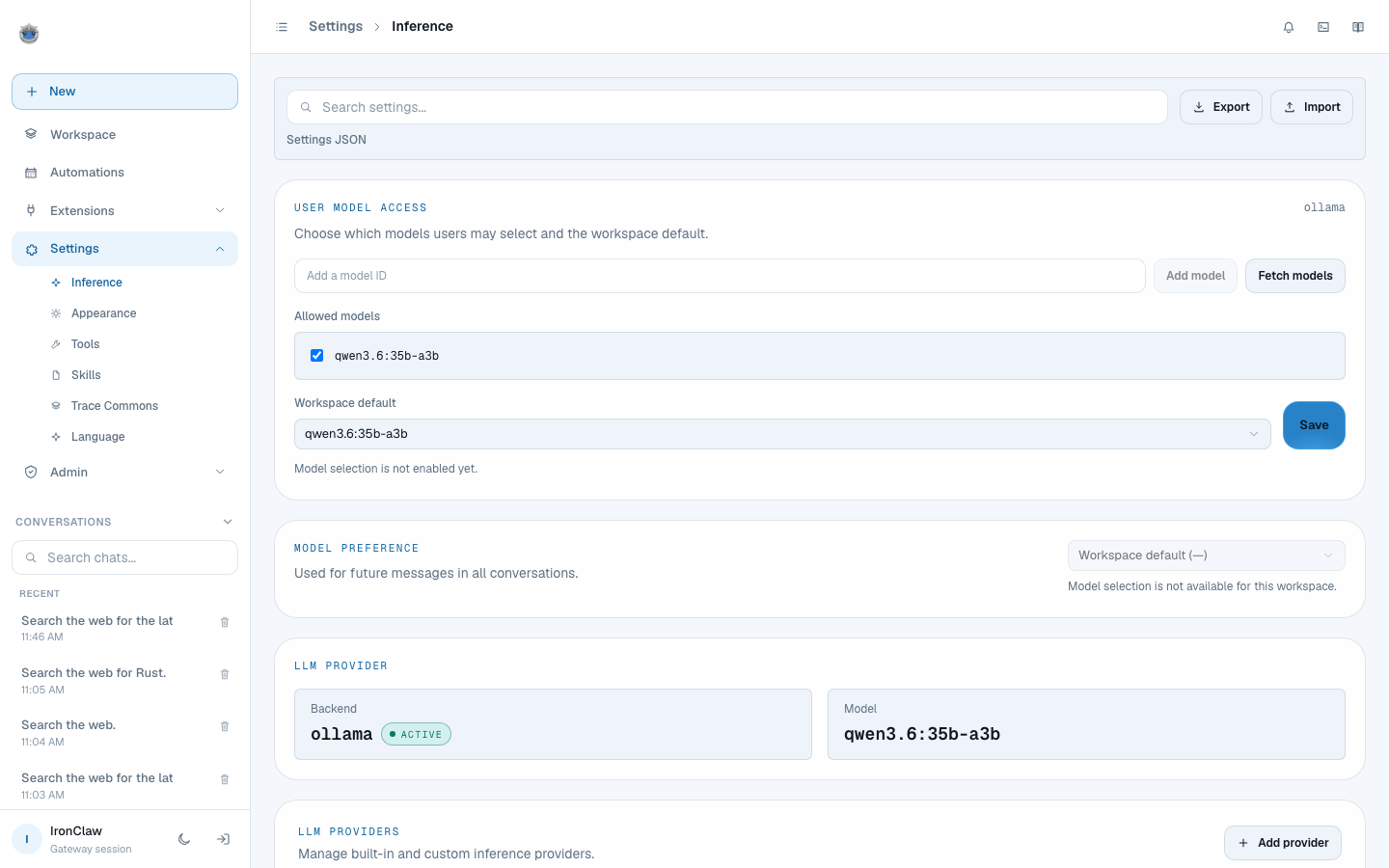
Settings, Inference. Backend ollama, marked ACTIVE, running qwen3.6:35b-a3b. No API key anywhere, because there is none to enter.
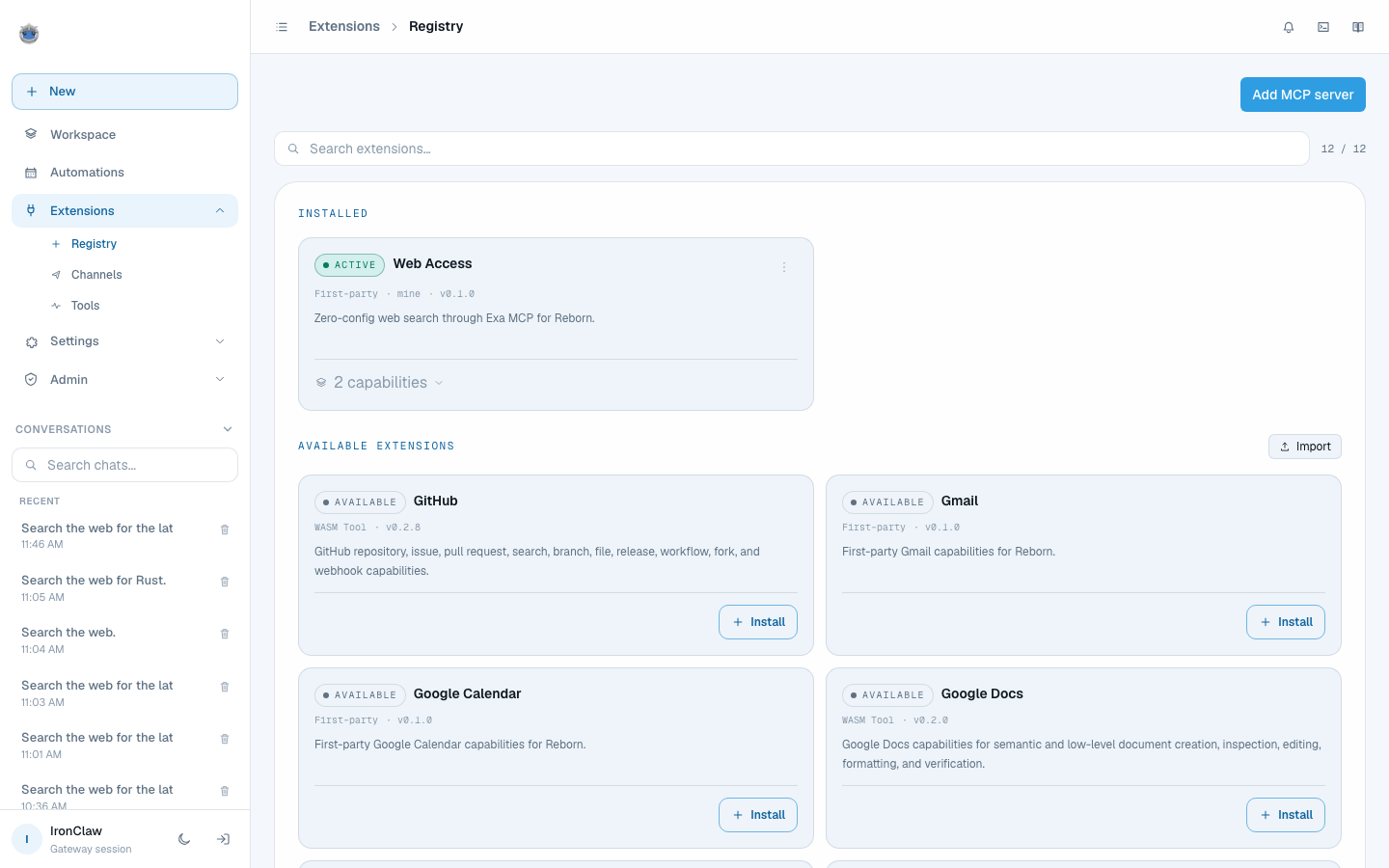
Extensions. Web access is installed and active, publishing two capabilities: search and get_content.
The mistake that cost me a day
Do not shrink the model's context window to save memory. An agent sends its entire tool catalogue on every single turn: on this setup that is a 23,500-character system prompt plus 38,400 characters of tool schemas, about 15,500 tokens.
Set num_ctx to 8192 and that gets silently truncated. The model can no longer see its own tool definitions, so it writes the tool call out as prose instead of calling anything, and nothing warns you. It looks exactly like a broken install. I spent a day chasing eleven other theories before finding it.
Use the stock model at its native context. If memory is tight, 32768 clears the payload with headroom. Below that it breaks.
How you know the tool actually ran
Ask it something it cannot possibly know from training data, and make it cite sources. On the run captured for this page it answered: Rust 1.98.1, released 3 September 2026, with three source URLs. That version shipped the day before the run, so it could only have come from the tool executing.
The console shows Activity - 1 tool above the answer, and Worked for 00:01:21 below it. Roughly 84 seconds end to end on a local model.
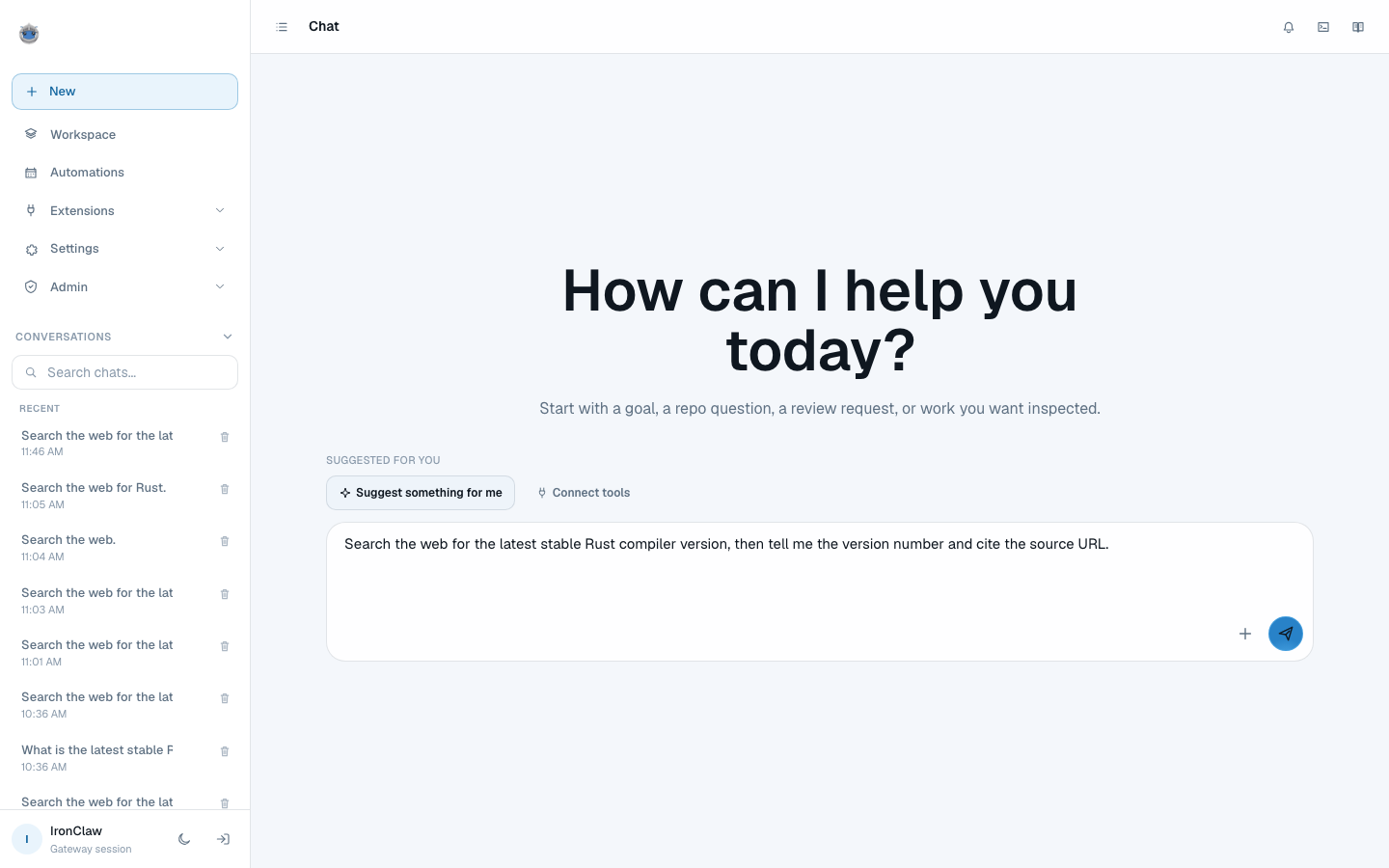
The question, typed into a fresh conversation.
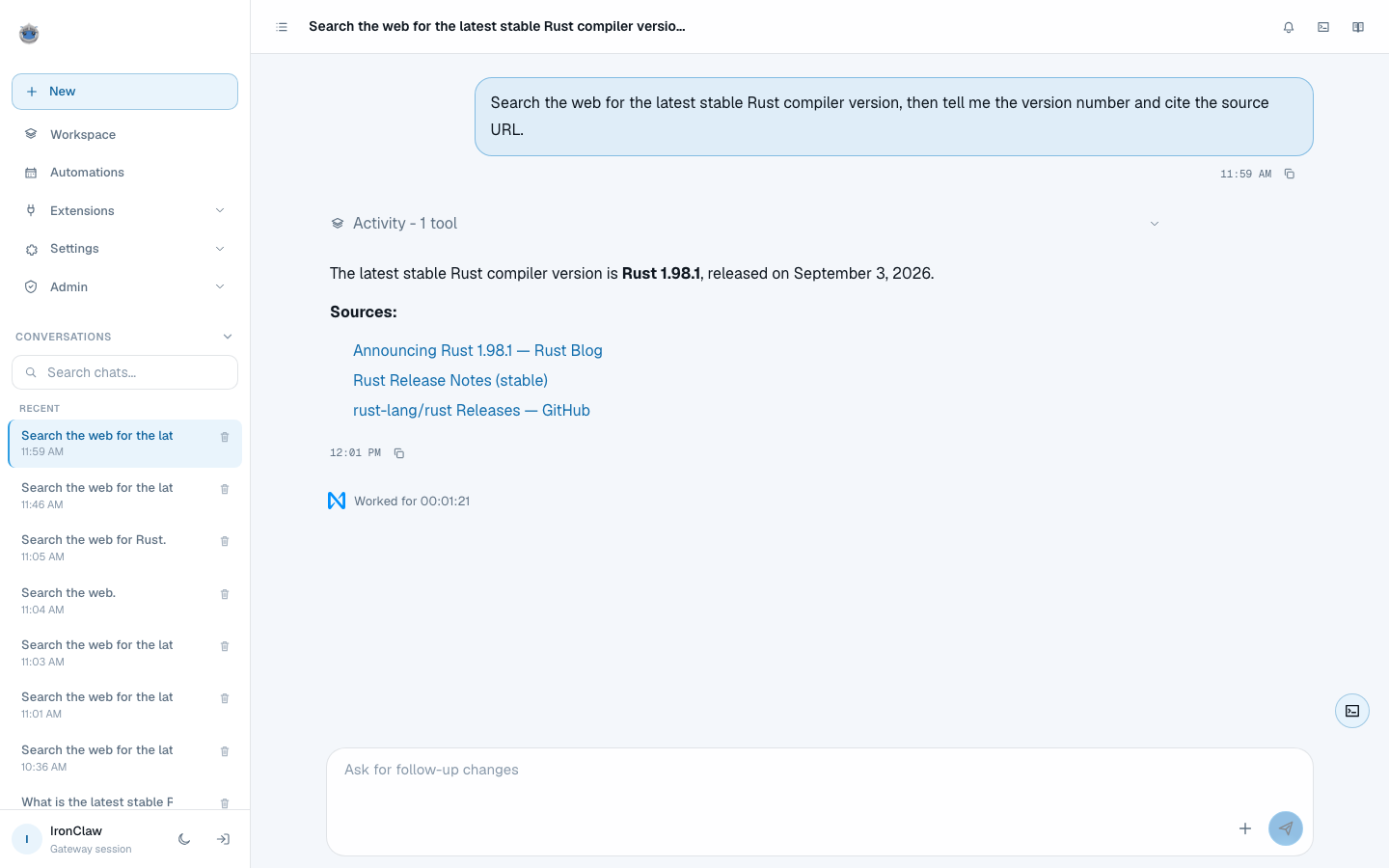
The answer. Activity - 1 tool above it, three source links you can click, and Worked for 00:01:21 below. Rust 1.98.1 shipped the day before this run, so the model could not have known it.
Give it work that happens without you
Describe a routine in plain English and the agent creates it. Three kinds of trigger: a schedule, a heartbeat every 30 minutes, or an event such as an inbound webhook.
Create a routine that runs every weekday at 9am, searches for
news on my topic, and writes a summary to memory at daily/brief.md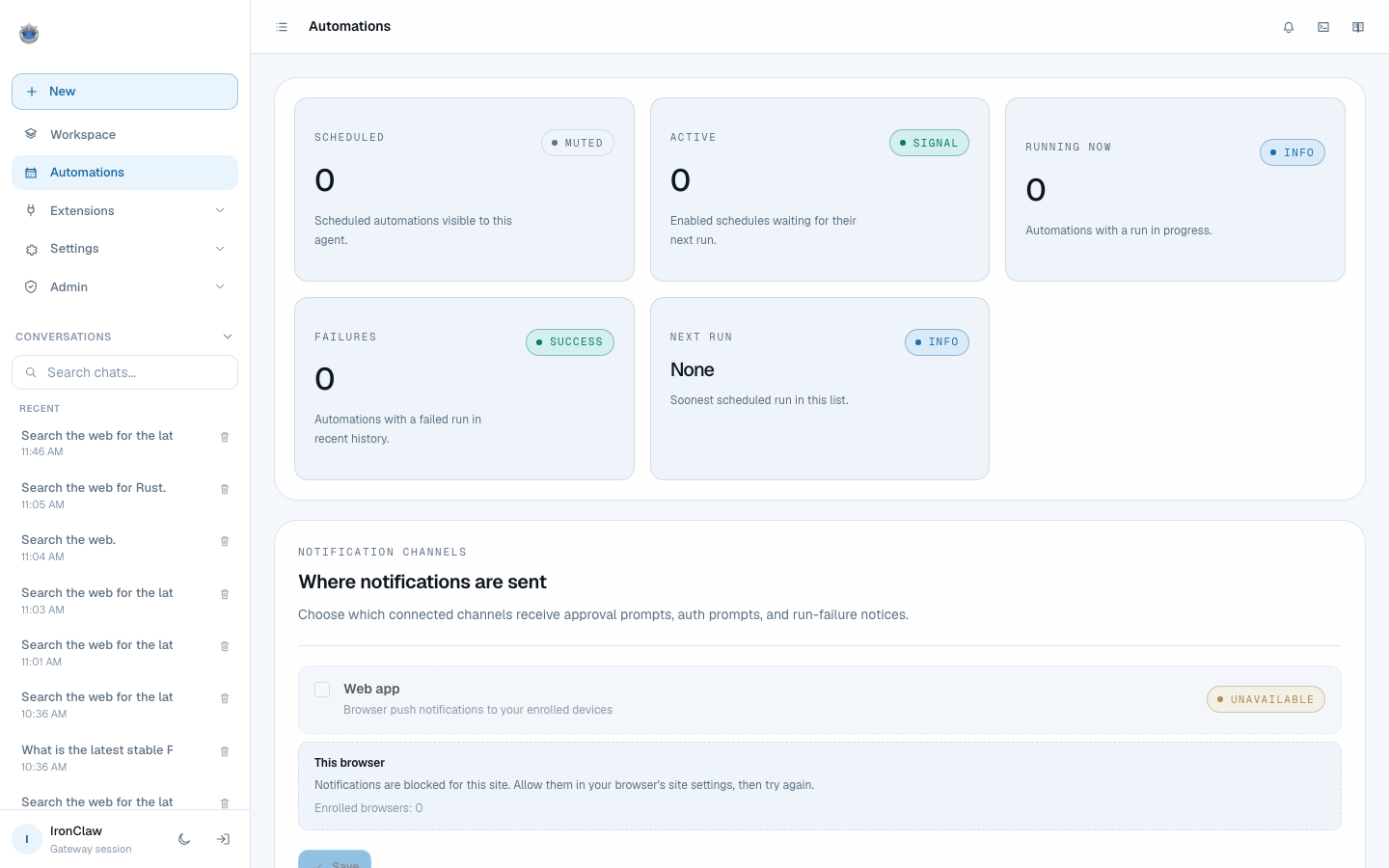
Automations. Cron, heartbeat, and event triggers, all created by describing them in plain language.
The story behind the day
I wrote up how the workshop itself went, what about eighty students in Davao made of it, and what I would change: johnforfar.com/posts/campus-claw-ironclaw-davao
Resources
Run it yourself
Install it tonight, ask it what tools it has, and build one thing that runs without you. The slides and the source are above.